General publication settings
Get your new publication up and running quickly by updating your publication's information, identity and meta data. This should take 10 minutes or less! ⚡️
There are several settings within Ghost Admin that allow you to make some of the most fundamental changes to your publication such as titles and descriptions, language, icons and social accounts. Access this menu on the General page from your publication's admin panel to get started.
Below is an overview of the available settings on this page and how they work.
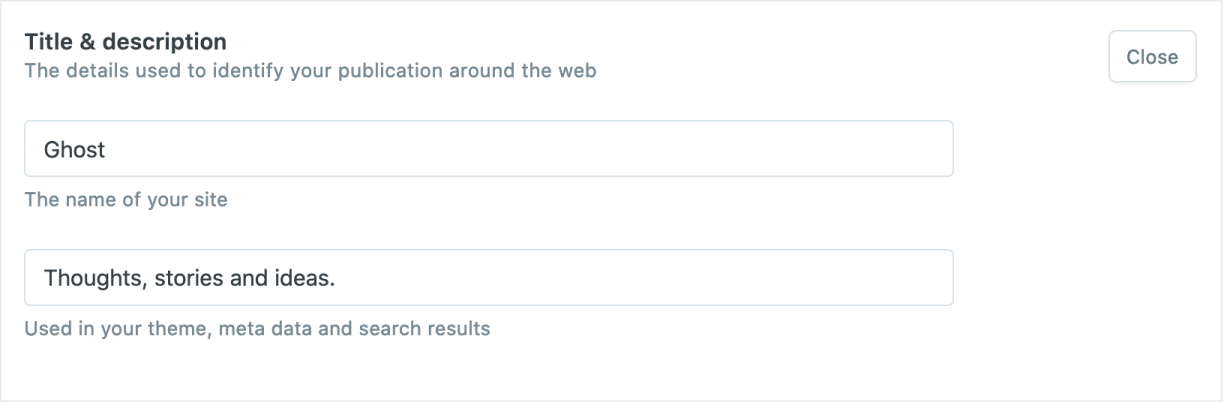
Title and description
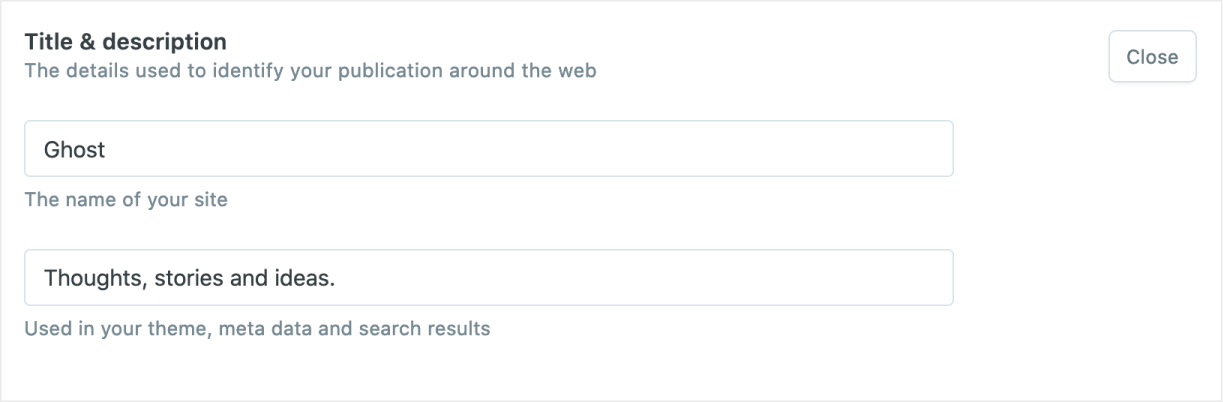
The publication title and description are used in your theme, meta data and search results.
Timezone
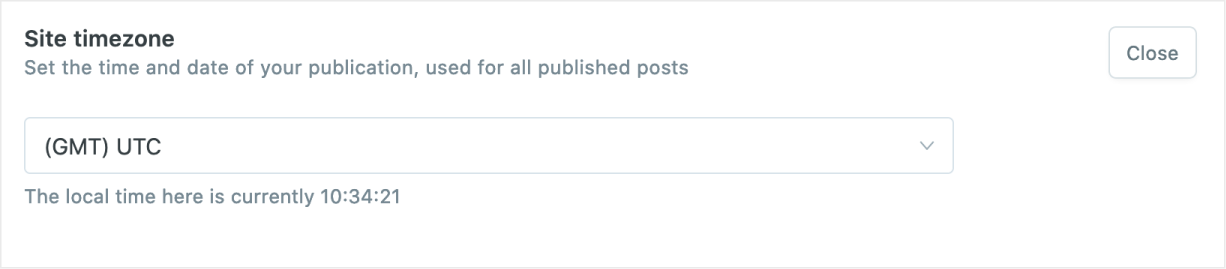
Setting a timezone is important since this is used for all published posts and scheduled posts and email newsletters on your site.
Language
To set a publication language to be used for theme translations, go to the“General” settings of Ghost Admin and enter the language/locale tag to be used.
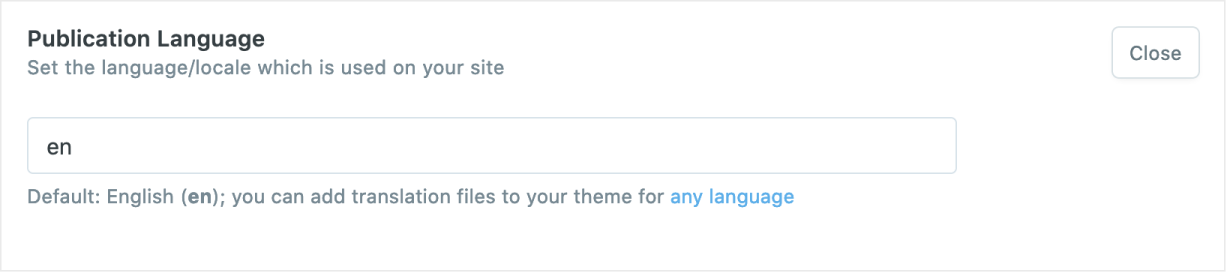
Multi-language content is supported within Ghost by configuring custom collections and templates using Dynamic Routing.
Publication identity
This menu allows you to change some of the most important design elements within your theme, without editing any code.
Icon
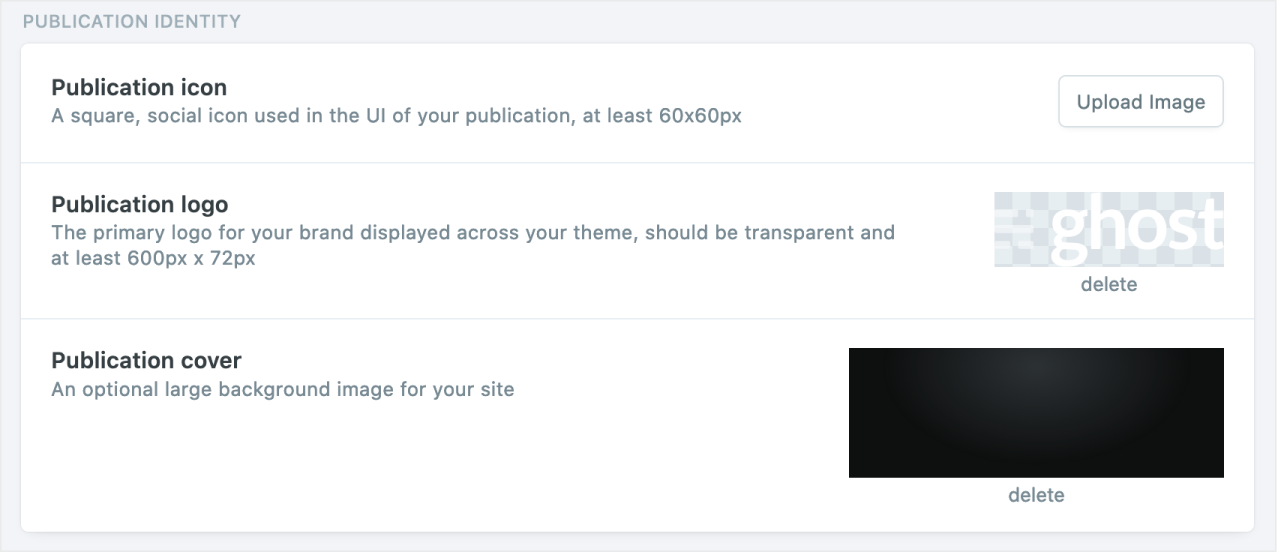
This is a social icon that is used as the Favicon for your site. You'll also see this in the far corner when you're logged in to your publication. Publication icons must be square and at least 60px.
Logo
This is the primary logo for your brand and displayed in your theme. Publication logos should have transparent backgrounds and at least 600px x 72px.
Cover image
A cover image is optional and used in some themes, which displays as a large banner image on your index pages.
It’s recommended to use images with a minimum width of 1500px to ensure your cover image looks good on most devices. Don't forget to optimise your image first to ensure it doesn't impact page speed!
Social accounts
Enter your Facebook and Twitter account details to enable site-wide links to your social profiles, defined by your theme.
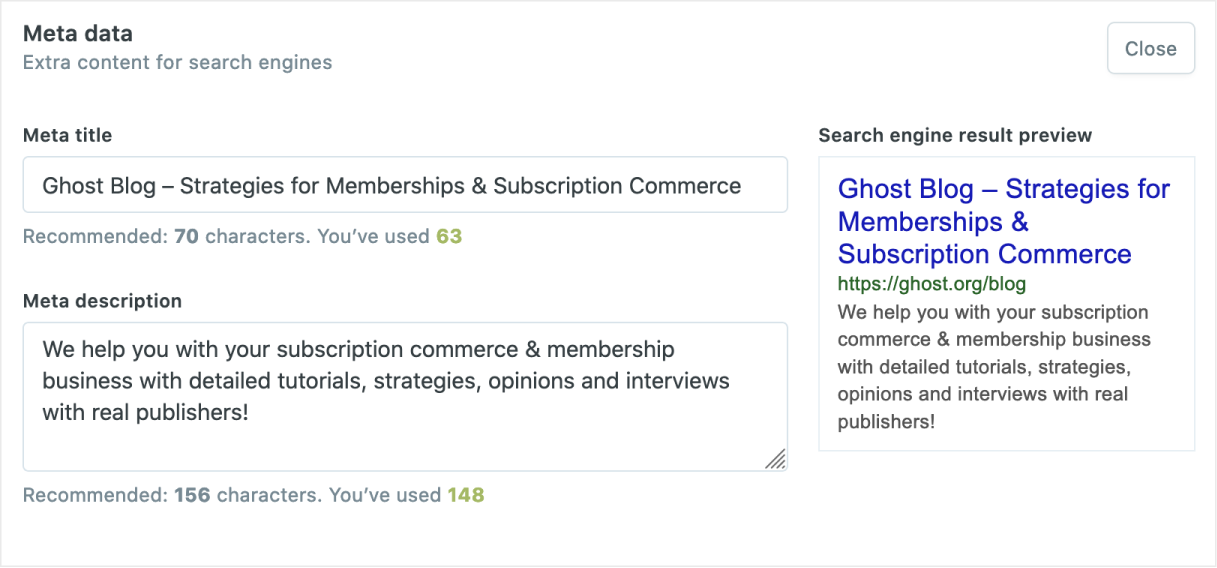
Meta data
Optimise your site for the search engines by adding some custom meta data for your domain. You can also optionally add customised versions for both Twitter and Facebook. If you don't fill out this information, Ghost will automatically populate the meta data for your site.
Private mode
If you've got a publication that you don't want the world to see yet because it's not ready to launch, you can hide your Ghost site behind a basic shared pass-phrase.
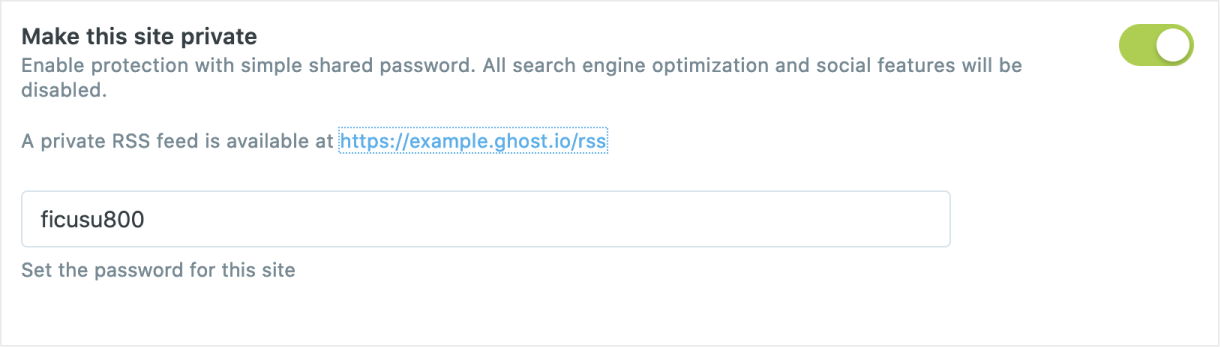
Ghost will give you a short, randomly generated pass-phrase which you can share with anyone who needs access to the site while you're working on it. While this setting is enabled, all search engine optimisation features will be switched off to help keep your site under the radar.
This is not secure authentication. You shouldn't rely on this feature for protecting important private data. It's just a simple, shared pass-phrase for some very basic privacy.