Learn how to spin up a site using Ghost as a headless CMS and build a completely custom front-end with the static site generator Gridsome.
With the power of the Content API, Ghost can operate as a completely decoupled headless CMS. This allows developers to build their own front-end with modern web technologies such as Vue.js based Gridsome.
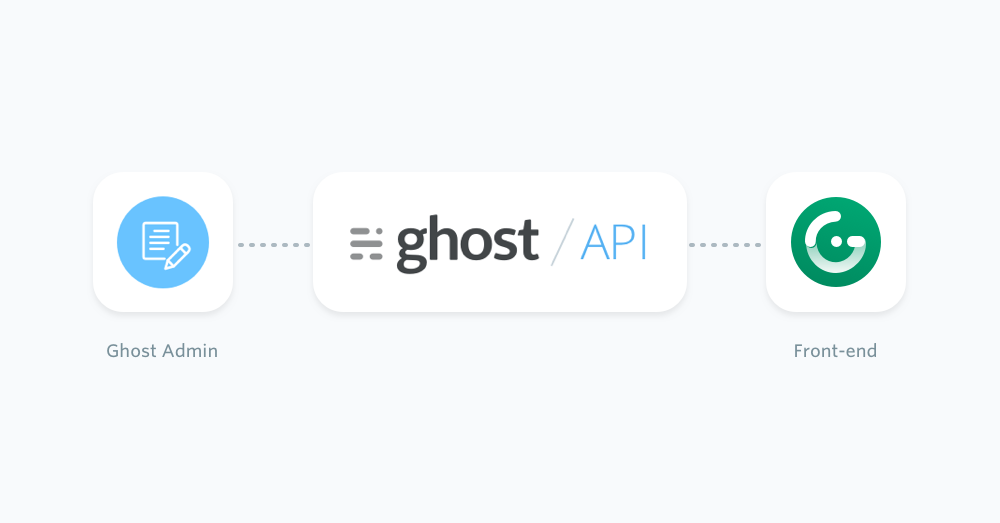
The following sections cover how Gridsome can source content from a Ghost site, how to create a Gridsome site using the official Blog Starter, and some of the setup required to get you off to the races!
Prerequisites
This configuration of a Ghost publication requires existing moderate knowledge of JavaScript as well as Vue.js. You'll need an active Ghost account to get started, which can either be self-hosted or using a Ghost(Pro) account.
Finally, you'll need to install Gridsome globally via the command line in your terminal using the following:
npm install -g @gridsome/cliSince the Gridsome Blog Starter works with Markdown files, we'll cover the adjustments required to swap Markdown files for content coming from your Ghost site.
Creating a new project with the Blog Starter can be done with this command:
gridsome create gridsome-ghost https://github.com/gridsome/gridsome-starter-blog.gitNavigate into the new project:
cd gridsome-ghostTo test everything installed correctly, use the following command to run your project:
gridsome developThen navigate to http://localhost:8080/ in a browser and view the newly created Gridsome site.
Minimum required version
To make sure that Ghost works with Gridsome, you'll need to update the dependencies and run Gridsome version > 0.6.9 (the version used for this documentation).
Getting started
To get started fetching the content from Ghost, install the official Ghost source plugin:
yarn add @gridsome/source-ghostOnce installed, you'll need to add the plugin to the gridsome.config.js file:
  plugins: [
    {
      use: '@gridsome/source-ghost',
      options: {
        baseUrl: 'https://demo.ghost.io',
        contentKey: '22444f78447824223cefc48062',
        routes: {
          post: '/:slug',
          page: '/:slug'
        }
      }
    }
  ]
Change the baseUrl value to the URL of your Ghost site. For Ghost(Pro) customers, this is the Ghost URL ending in .ghost.io, and for people using the self-hosted version of Ghost, it's the same URL used to access your site.
Next, update the contentKey value to a key associated with the Ghost site. A key can be provided by creating an integration within the Ghost Admin. Navigate to Integrations and click "Add new integration". Name the integration, something related like "Gridsome", click create.
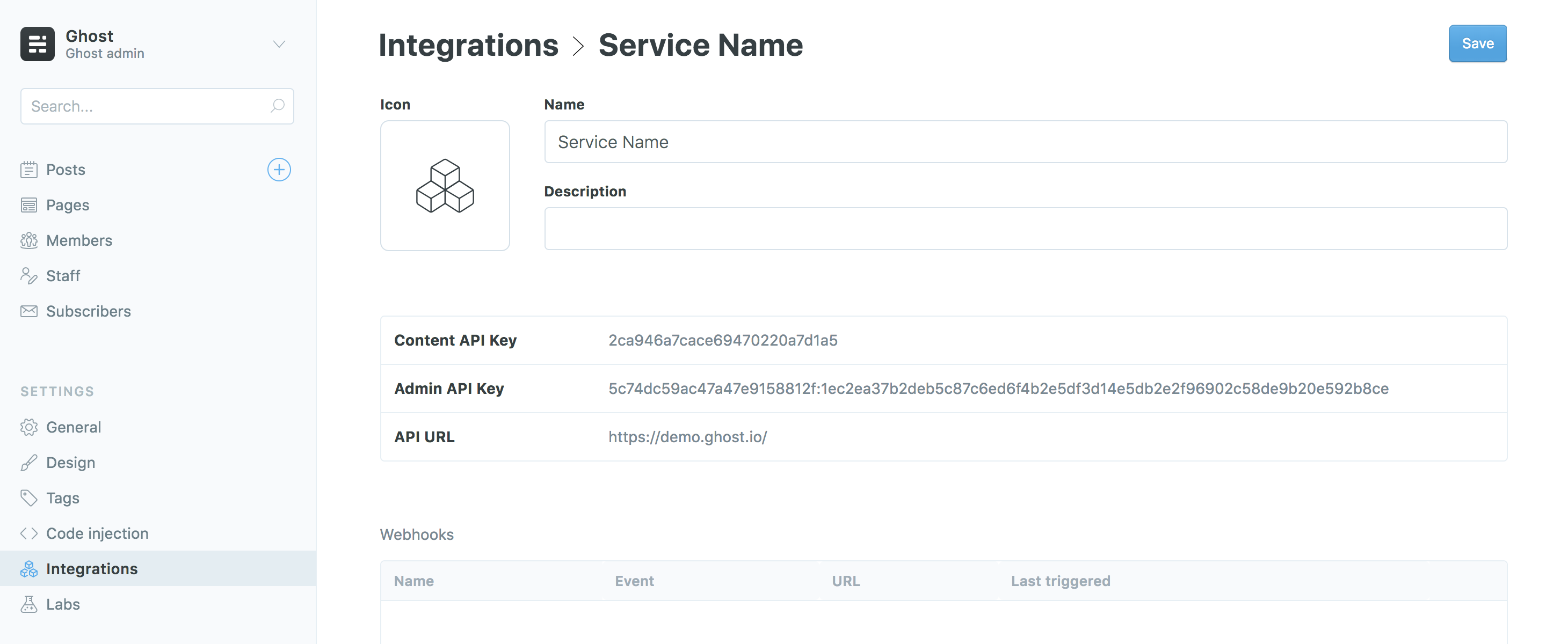
For more detailed steps on setting up Integrations check out our documentation on the Content API.
You can remove the @gridsome/source-filesystem plugin if you're not planning on using Markdown files for your content.
Post index page
The Gridsome Blog Starter comes with pages and templates which allows you to use Ghost as a headless CMS. To create an index page that loads all of your posts, start by updating the main index page. Find the Index.vue file in /src/pages of your project and replace the <page-query> section with the following:
<page-query>
{
  posts: allGhostPost(
      sortBy: "published_at",
      order: DESC,
  ) {
    edges {
      node {
        title
        description: excerpt
        date: published_at (format: "D. MMMM YYYY")
        path
        slug
        id
        coverImage: feature_image
      }
    }
  }
}
</page-query>
This code renames the GraphQL identifiers in the Gridsome starter of description and coverImage to excerpt and feature_image, which matches the data coming from the Ghost API.
Single post page
Templates in Gridsome follow a specific naming convention which uses the type names as defined in the GraphQL schema, so the existing Post.vue file in /src/templates/ needs to be renamed to GhostPost.vue.
Once this is done, replace the <page-query> section in the template with the following:
<page-query>
query Post ($path: String!) {
  post: ghostPost (path: $path) {
    title
    path
    date: published_at (format: "D. MMMM YYYY")
    tags {
      id
      title: name
      path
    }
    description: excerpt
    content: html
    coverImage: feature_image
  }
}
</page-query>
Gridsome automatically reloads when changes are made in the code and rebuilds the GraphQL schema. Navigate to http://localhost:8080/ in a web browser to see the result.
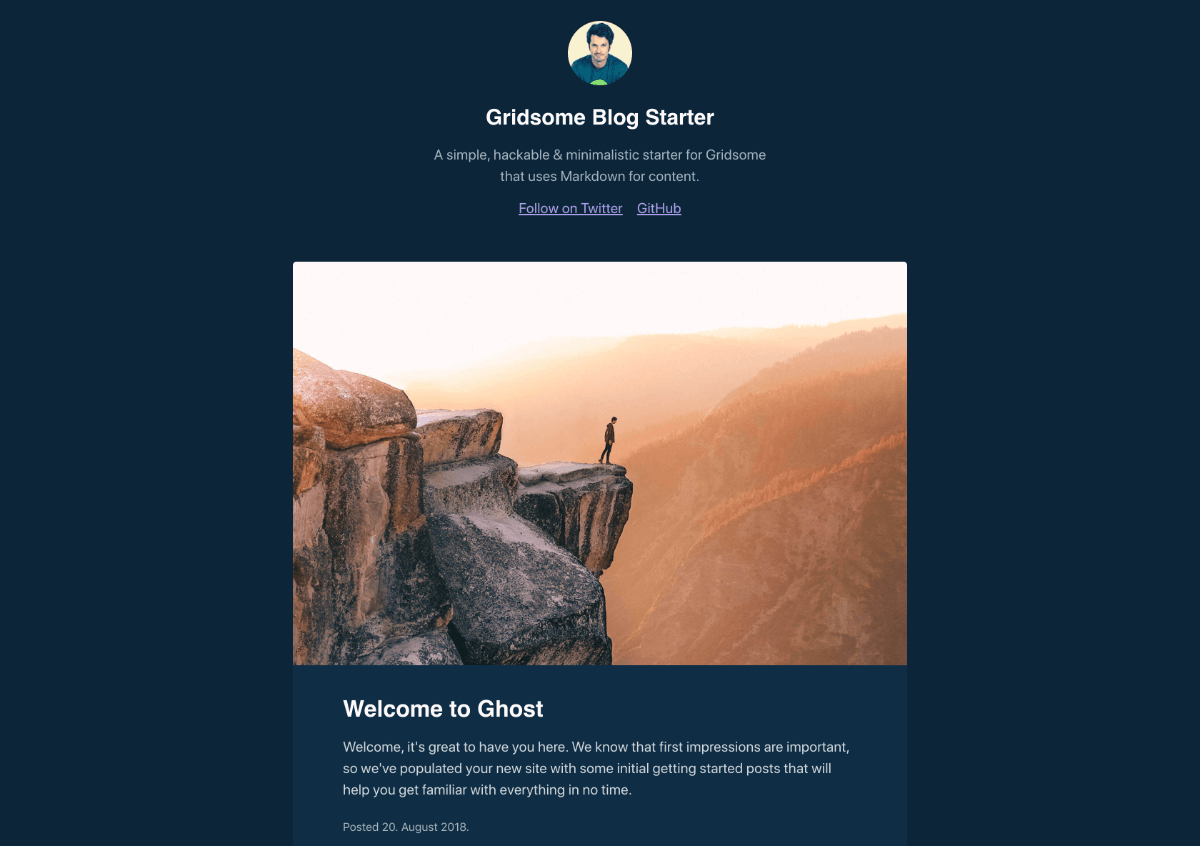
That's it! Your site now loads posts from your Ghost site, lists them on the home page and renders them in a single view 👏🏼
Next steps
Discover how to create tag and author archive pages or use other content from Ghost in your Gridsome site in our recipes on the next page. For further information, check out the Ghost Content API documentation and the official Gridsome documentation.