Build a completely custom front-end for your Ghost site with the flexibility of Static Site Generator Eleventy.
With the power of the Content API, Ghost can operate as a completely decoupled headless CMS, allowing developers to build their own front-end with modern web technologies, such as Eleventy.
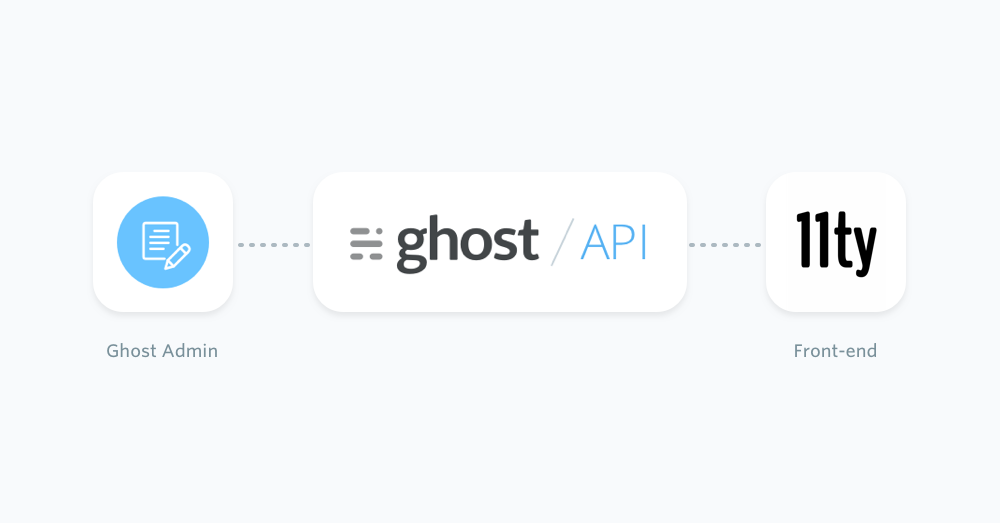
The following sections cover how Eleventy can source content from a Ghost site, how to create an Eleventy site using our starter template, and some of the setup required to get you off to the races.
Eleventy Starter Ghost
Eleventy is a "zero configuration" static site generator, meaning it works without any initial setup. That said, having some boilerplate code can really fast track the development process. That's why we've created an Eleventy Starter for Ghost on GitHub.
Prerequisites
A Ghost account is needed in order to source the content, a self hosted version or a Ghost (Pro) Account.
Getting started
To begin, create a new project by either cloning the Eleventy Starter Ghost repo or forking the repo and then cloning the fork with the following CLI command:
git clone git@github.com:TryGhost/eleventy-starter-ghost.gitNavigate into the newly created project and use the command yarn to install the dependencies. Check out the official documentation on how to install Yarn.
To test everything installed correctly, use the following command to run your project:
yarn startThen navigate to http://localhost:8080/ in a browser and view the newly created Eleventy static site.
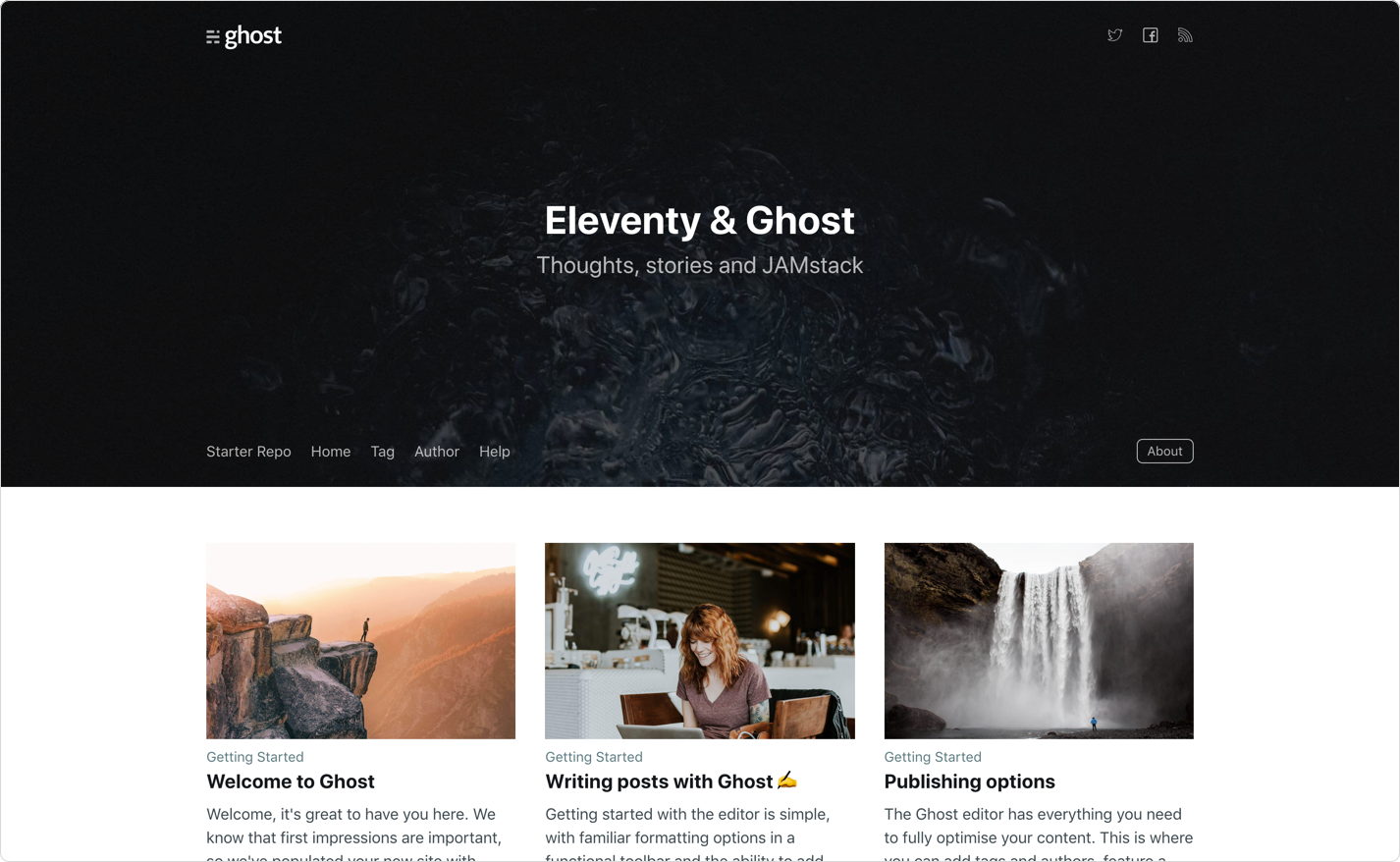
Customisation
The Eleventy Starter for Ghost is configured to source content from https://eleventy.ghost.io. This can be changed in the .env file that comes with the starter.
GHOST_API_URL=https://eleventy.ghost.io
GHOST_CONTENT_API_KEY=5a562eebab8528c44e856a3e0a
SITE_URL=http://localhost:8080
Change the GHOST_API_URL value to the URL of the site. For Ghost(Pro) customers, this is the Ghost URL ending in .ghost.io, and for people using the self-hosted version of Ghost, it’s the same URL used to view the admin panel.
Change the GHOST_CONTENT_API_KEY value to a key associated with the Ghost site. A key can be provided by creating an integration within the Ghost Admin. Navigate to Integrations and click "Add new integration". Name the integration, something related like "Eleventy", click create.
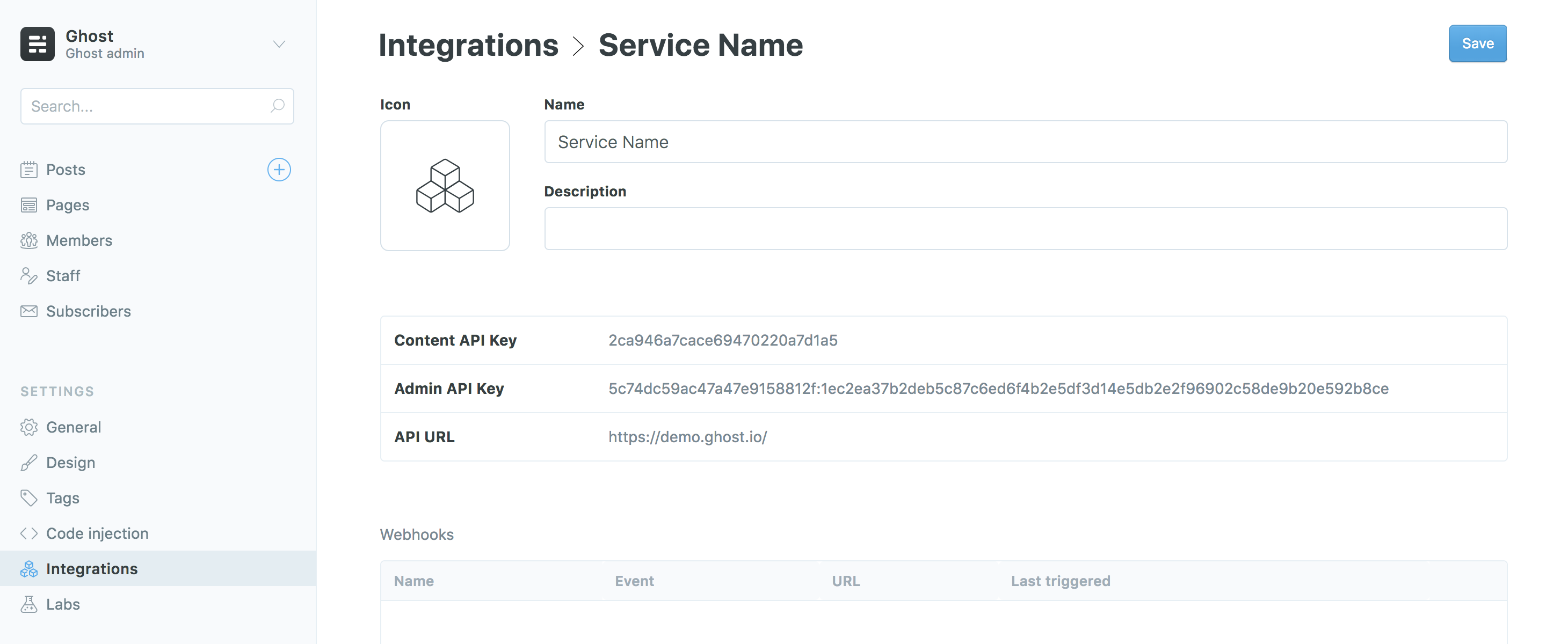
More information can be found on the Content API documentation.
Using Netlify to host your site? If so, the netlify.toml file that comes with the starter template provides the deployment configuration straight out of the box.
Next steps
The official Eleventy docs is a great place to learn more about how Eleventy works and how it can be used to build static sites.
There’s also a guide for setting up a new static site, such as Eleventy, with the hosting platform Netlify so Netlify can listen for updates on a Ghost site and rebuild the static site.
For community led support about linking and building a Ghost site with Eleventy, visit the forum.